
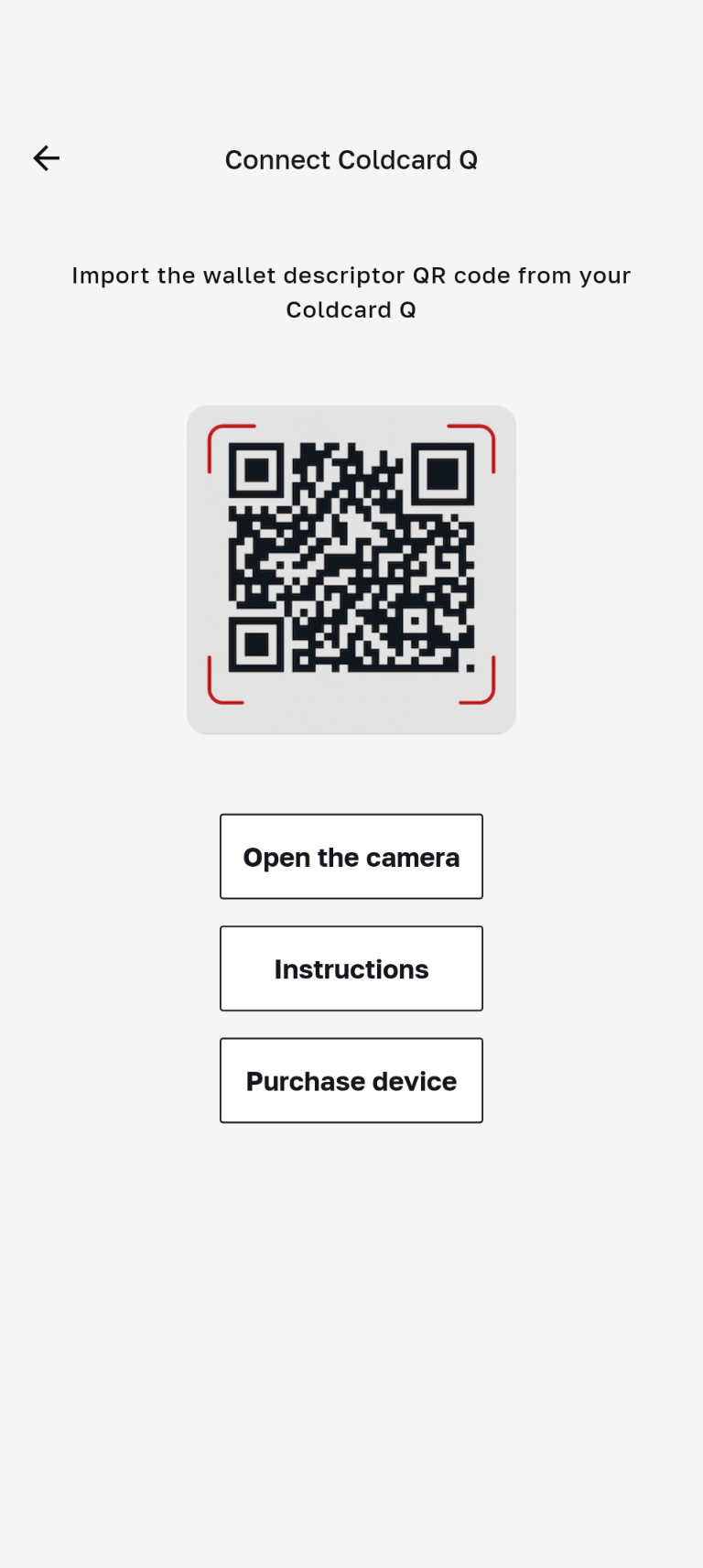
Connect Coldcard Q
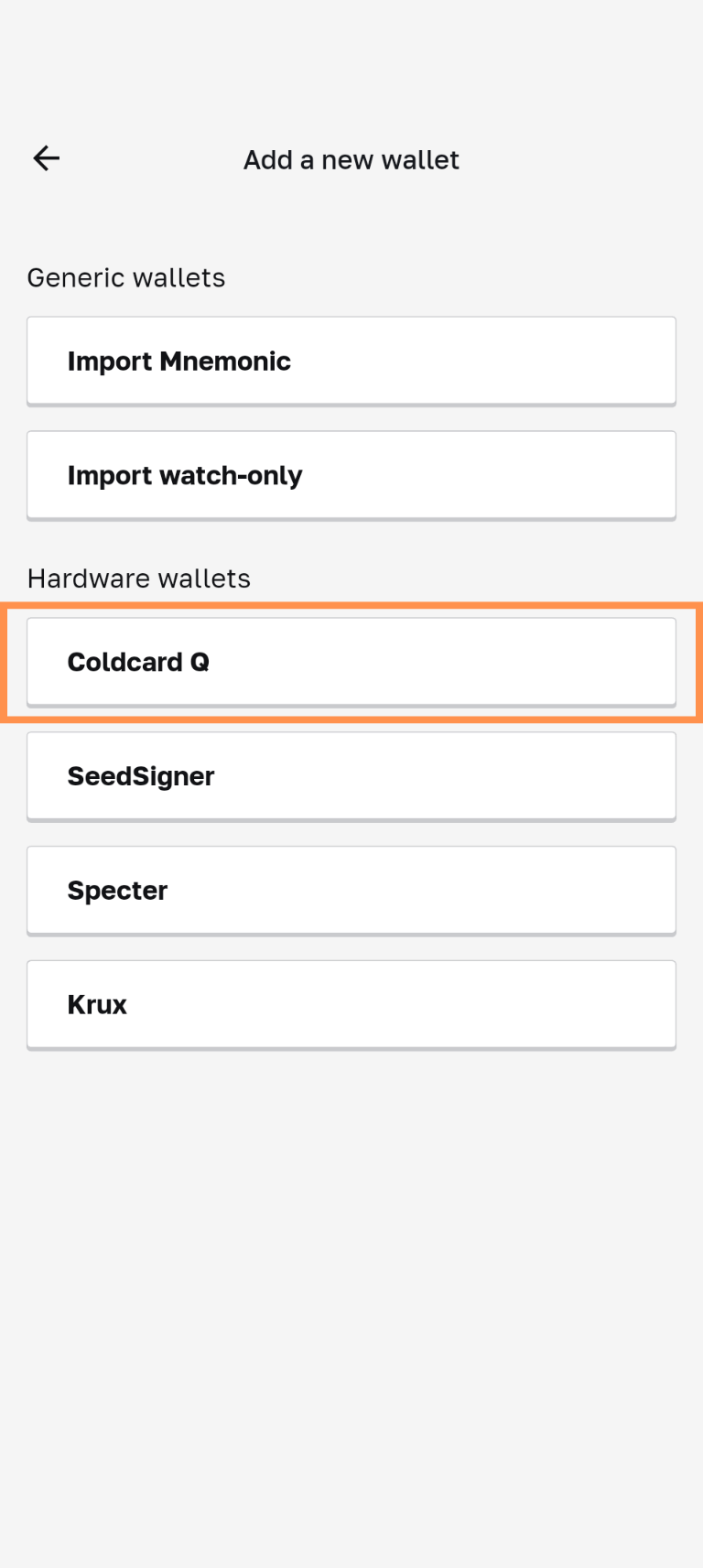
- Log in to your Coldcard Q device.
- Enter a passphrase if applicable.
- Navigate to "Advanced/Tools"
- Verify that your firmware is updated to version 1.3.4Q.
- Select "Export Wallet"
- Choose "Bull Bitcoin" as the export option
- On your mobile device, tap "open camera"
- Scan the QR code dispalyed on your Coldcard Q
- Enter a 'Label' for your Coldcard Q wallet and tap "Import"
- Setup complete
Watch video guide instead: