
Steps for receiving Lightning payments
On the Home screen, you can:
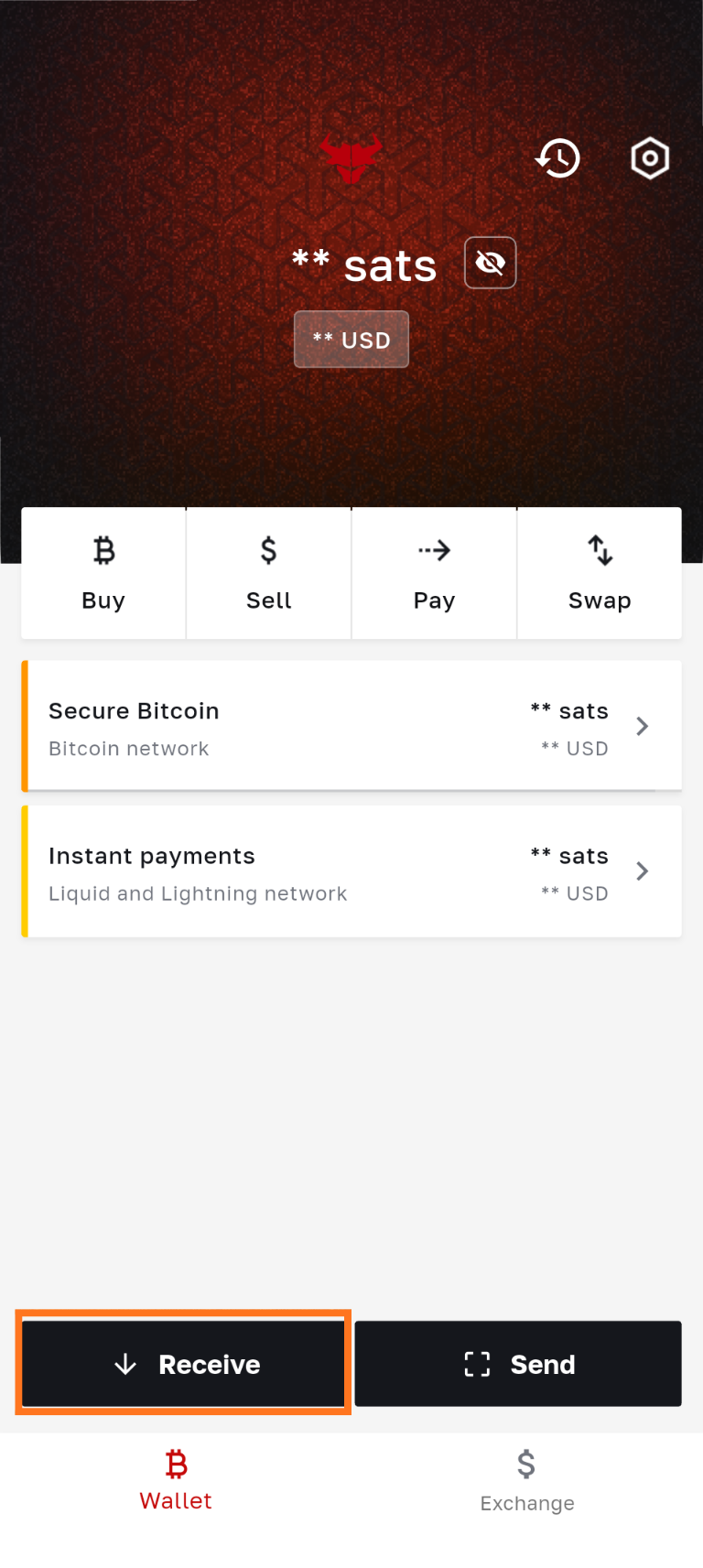
- Select the Instant payments then click on ‘Receive’, then click on ‘Lightning’.
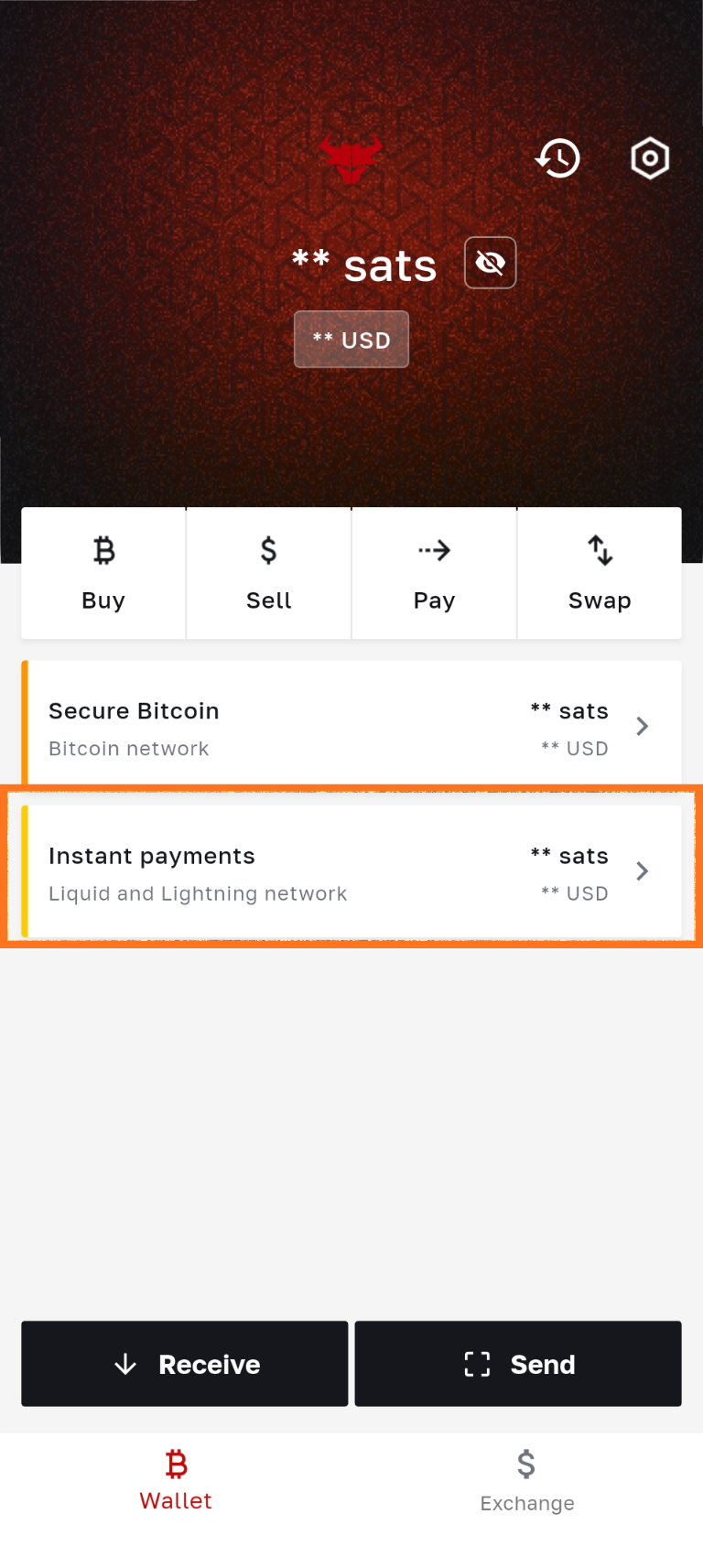

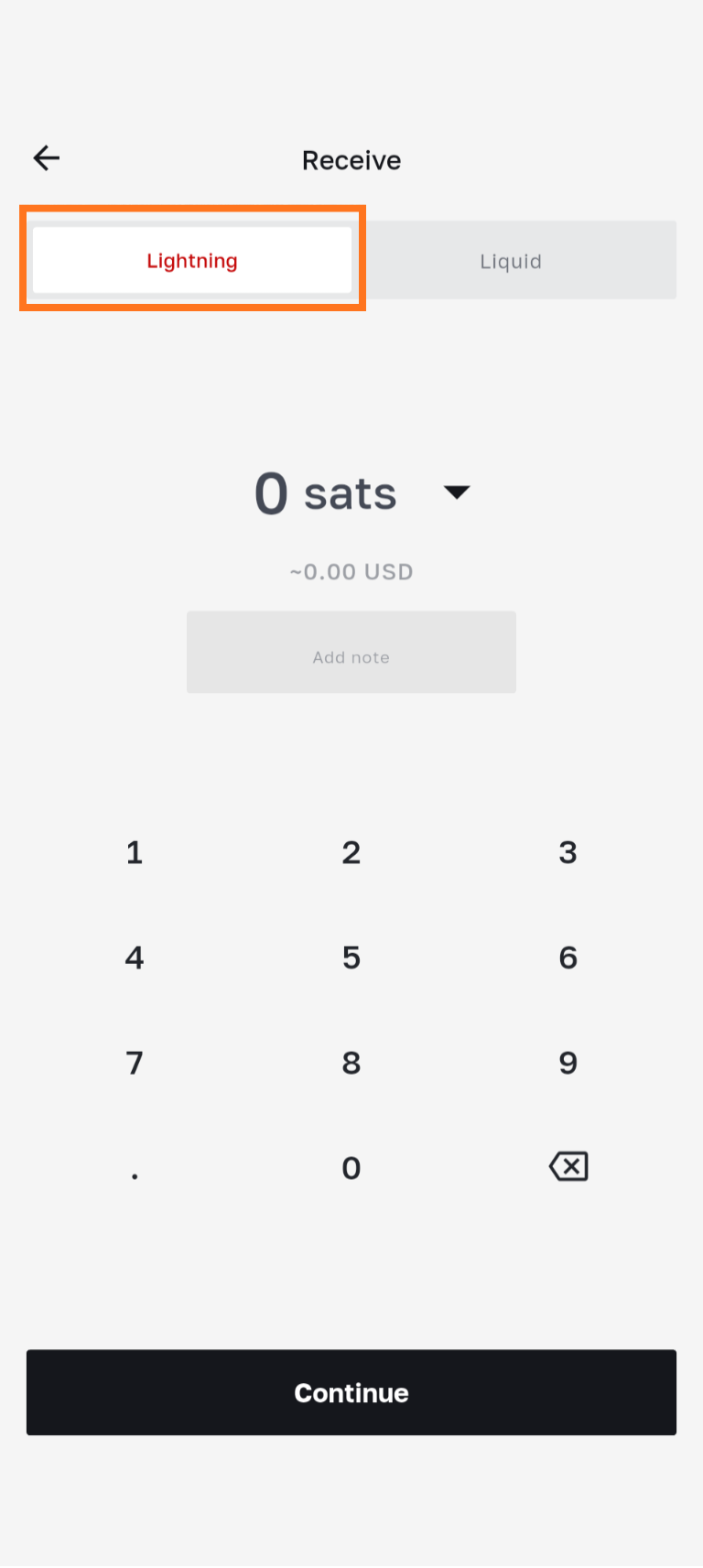
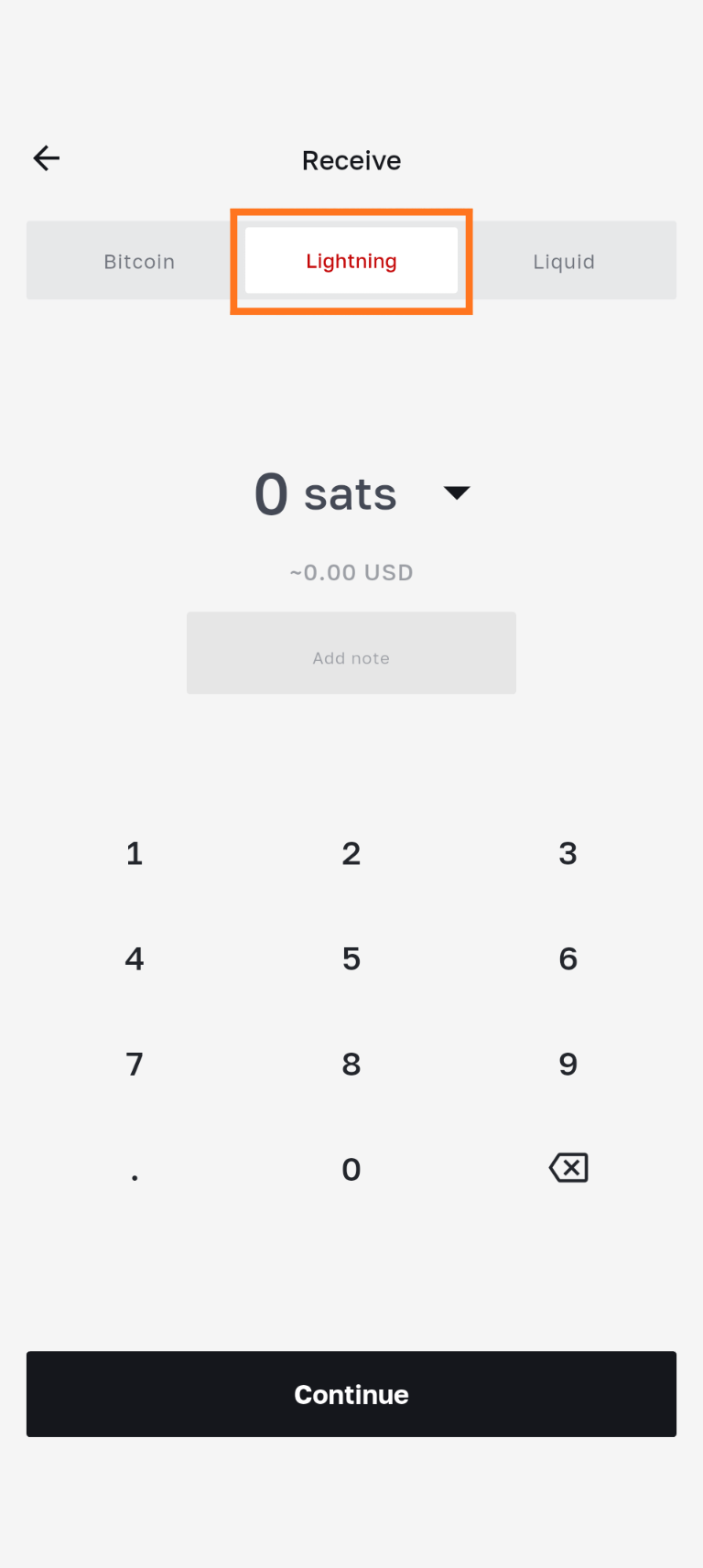
- Alternatively you can click on ‘Receive', and the ‘Lightning’ network will be selected by default.
Generate Lightning invoice
- Enter an amount (in BTC, sats or fiat)
- Add a personal note which will be integrated into the invoice. If the sender pays the invoice, your wallet will also include it in the transaction details.
- Invoice validity: The Lightning invoice is valid for 12 hours. After this time, the invoice will expire and can no longer be paid. A new invoice must be generated.
- Copy the invoice to share it with the sender, or let them scan the QR code.