
Connect Specter
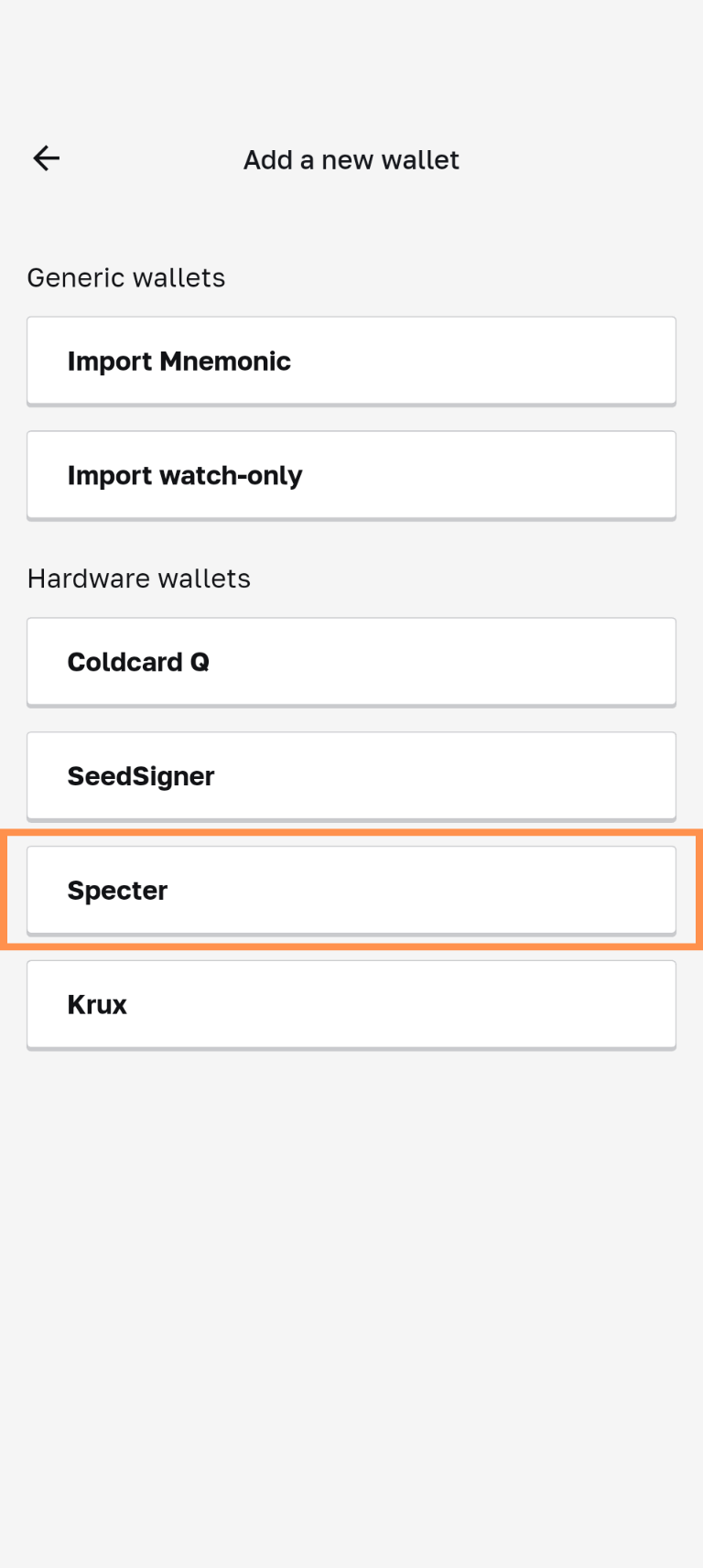
- Power on your Specter device
- Enter your PIN
- Enter your seed/key (choose which ever option suits you)
- Follow the prompts according to your chosen method
- Select "Master public keys"
- Choose "Single key"
- Disable "Use SLIP-132"
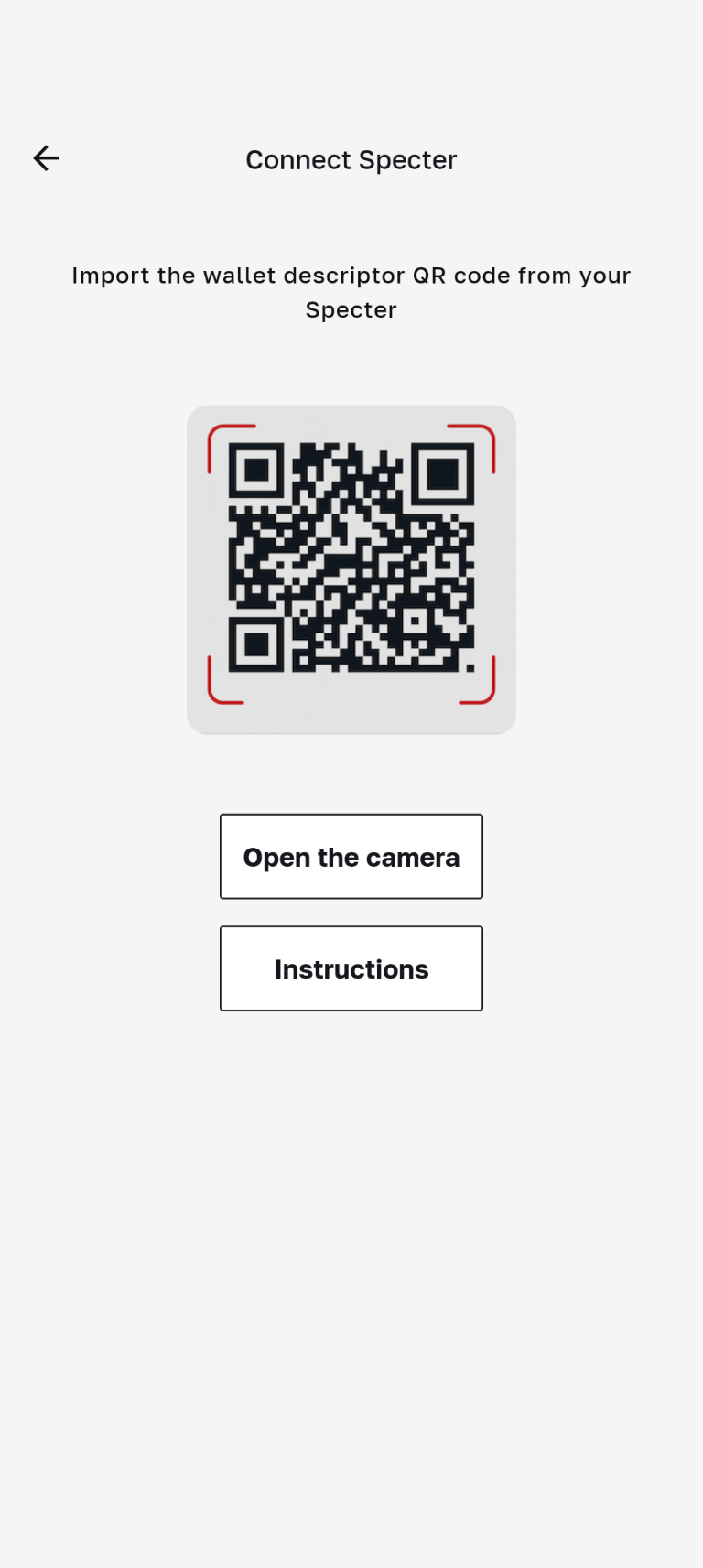
- On your mobile device, tap Open Camera
- Scan the QR code displayed on your Specter
- Enter a label for your Specter wallet and tap import
- Setup is complete
Watch video guide instead: